What Is MCP for WordPress? A Plain Guide
MCP lets AI assistants like Claude and Cursor use tools on your WordPress site. What it is, how it works, and how to connect safely.
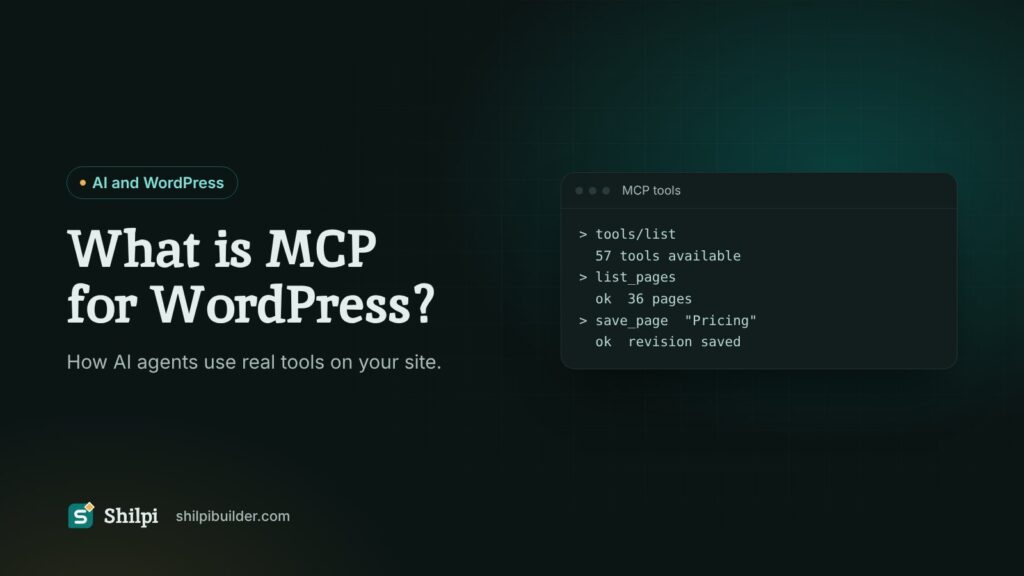
Quick answer: MCP (Model Context Protocol) is an open standard that lets an AI assistant such as Claude, ChatGPT or Cursor use tools on another system. On WordPress, an MCP server turns site actions (read a page, save a page, upload an image) into tools the agent can call, so it can work on your site instead of only writing text for you to paste.
Why MCP matters for WordPress
Before MCP, using AI on a WordPress site meant copy and paste. You asked a chatbot for a section, copied the HTML, opened the editor, pasted it, fixed what broke and repeated. The AI never saw your real site, so it guessed your colours, your classes and your page structure.
MCP removes that gap. The agent connects to your site, reads what is there, and makes changes through the same permissions a logged-in user has. It can check its own work and fix it, because it can read the result.
How it works, in three parts
- The client. The AI app you talk to, for example Claude Desktop, Claude Code, Cursor or VS Code. It speaks MCP.
- The server. Code on your WordPress site that answers MCP requests. It lists the tools it offers and runs them when asked.
- The tools. Named actions with a clear input and output, such as
list_pages,save_pageorupload_media. The agent picks the tool, sends the input, and reads the answer.
Under the hood the messages are JSON-RPC over HTTPS. You do not need to write any of it yourself. You paste the server address and a credential into your AI app once, and the app does the rest.
The official WordPress route: Abilities API and MCP Adapter
WordPress itself is moving in this direction. The Abilities API, added to core in WordPress 6.9, gives plugins and themes a standard way to describe what they can do. The separate MCP Adapter plugin then exposes those abilities to AI clients as MCP tools. It is a good foundation for plugin developers, because any plugin can register abilities and become usable by agents.
What you get out of the box is still a small set of general abilities. Building a full page design through it depends on what your theme and builder register.
Builder MCP versus a theme built for agents
Several page builders now offer MCP access. That helps, but the agent still has to work inside the builder’s own data format. Before it can place a heading it must learn how that builder stores a heading widget, its settings and its nesting rules. That knowledge has to sit in the agent’s context on every page it builds, which costs tokens and leaves room for mistakes.
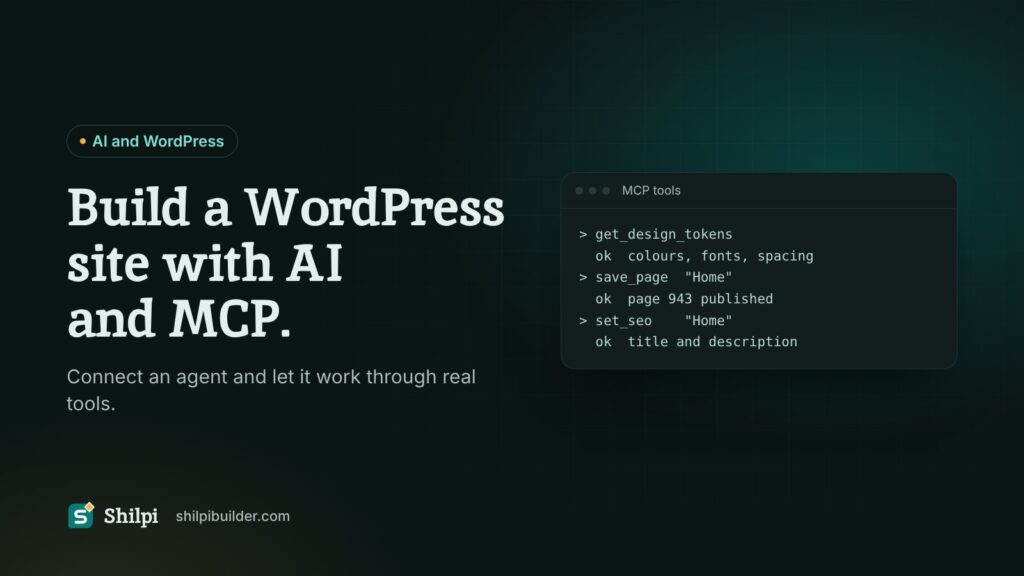
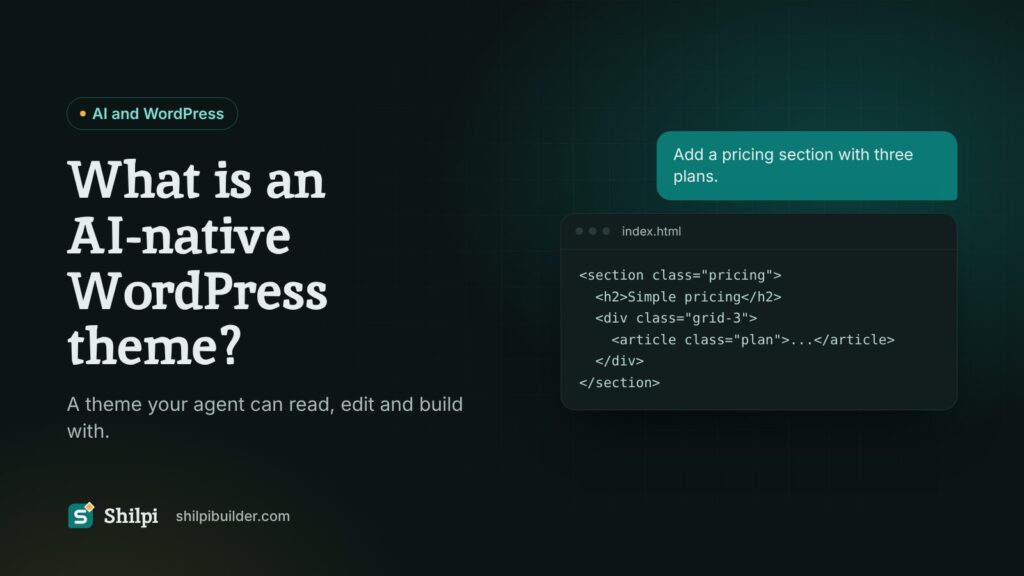
A theme built for agents takes the other path. In Shilpi, a page is stored as plain HTML, CSS and JavaScript, and the design system is a set of variables and classes. The agent already knows HTML and CSS, so it reads your tokens and starts designing. The built-in MCP server has 57 tools for pages, templates, classes, variables, media, SEO and revisions.
What an agent can do on a Shilpi site
- Read your design tokens and build new pages that match them.
- Change one part of a page without resending the whole page, with a revision saved first.
- Set SEO titles and descriptions, upload images and manage menus.
- Check a page for problems, such as missing alt text or broken links, and fix them.
You stay in control: you can still open the visual builder and fine-tune anything by hand.
Is it safe?
An MCP server is only as safe as its permissions. Three habits matter most:
- Use an Application Password for the agent, not your main login password. You can revoke it at any time under Users, Profile.
- Limit what the agent may do. In Shilpi, Security, AI agent access sets how far a connected agent can go and lists every call it makes.
- Keep revisions on. If an edit goes wrong, roll back in one step.
For a deeper look at permissions, read Abilities, not access.
How to start
- Install a theme or plugin that provides an MCP server on a staging copy of your site.
- Create an Application Password for a user with the rights the agent needs.
- Add the server address and credential to your AI app.
- Ask for something small first, such as “list my pages”, to confirm the connection.
The step-by-step version with Shilpi is in How to build a WordPress site with AI and MCP. Not sure how AI assistants see your site today? Run the free AI Visibility Scanner.
FAQ
Do I need to code to use MCP with WordPress?
No. You paste a server address and a password into your AI app once. After that you work in plain language.
Which AI apps support MCP?
Claude Desktop, Claude Code, Cursor and VS Code support MCP servers, and more apps add support over time.
Does MCP replace the WordPress REST API?
No. MCP sits on top. It describes site actions as tools an AI can discover and call, while the site still runs on WordPress as usual.
Will the agent break my live site?
Start on staging, give the agent only the rights it needs, and keep revisions on. That way every change can be checked and undone.